
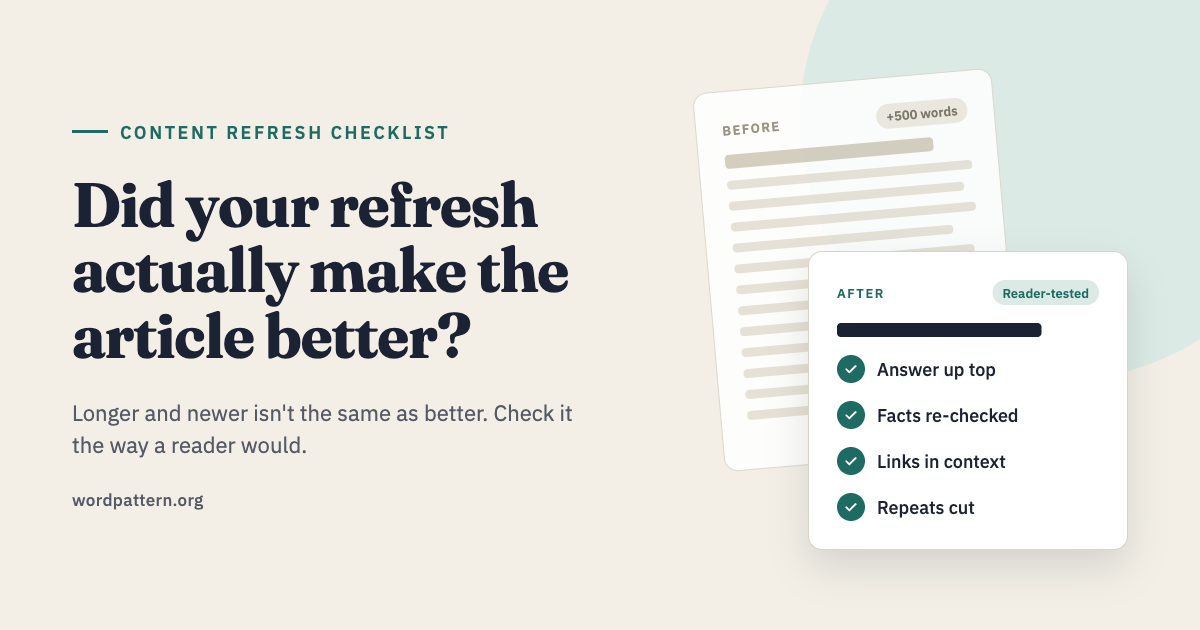
You updated the statistics. Replaced a few screenshots. Added a new section. The article is now longer and the publish date is current.
But is it better?
That question gets lost in many content refreshes. It is easy to see what changed in a document. It is harder to tell whether those changes help the person reading it. A post can gain 500 words and still leave its main question unanswered.
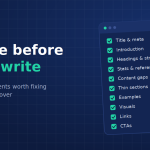
Before you publish an updated article, give it one final read with the reader in mind. These checks will help you spot the changes that matter and the ones that only make the page look fresh.
Can a Reader Find the Answer Quickly?
Open the article and read only the title, introduction and headings. Could you tell what the page will answer?
Then read the first few paragraphs. If the title promises a practical answer, that answer should appear early. Readers should not have to work through a long history of the topic before reaching the part they came for.
For example, an article titled “How Much Does SEO Content Cost?” should explain the main pricing factors near the top. A long introduction about the importance of content delays the answer.
This does not mean every article needs to start with a price table. It means the opening should respect the reader’s reason for clicking.
Did You Fix the Weak Parts or Just Add New Ones?
When a post loses relevance, adding a new section can feel productive. Sometimes the better edit is to repair what is already there.
Read the existing sections one by one. Look for explanations that stop too early, examples that no longer fit and advice that sounds clear until you try to use it. If a section says to “understand your audience,” does it explain what to look for and how that information changes the work?
You may need to rewrite three paragraphs and add nothing new. That is still a meaningful refresh.
One useful question is: If a reader follows this advice today, where might they get stuck? Fix those points before increasing the article’s length.
Does Every New Section Have a Clear Job?
A refresh often grows because someone finds related questions during research. Some belong in the article. Others deserve their own page.
For each new section, ask:
- Does it help answer the main question?
- Does the reader need this information at this point?
- Can I explain it well enough here to make it useful?
If the answer to all three is yes, keep it. If the section only touches the topic briefly, link to a more focused resource instead.
Imagine refreshing an article about writing service pages. A short explanation of search intent may help. A detailed guide to technical SEO will pull the reader away from the job at hand.
Are the Facts Current and Specific?
Replacing an old year in the headline is a small edit. Checking whether the advice still holds takes more work.
Review statistics, product features, prices, screenshots and examples. Follow the links used to support important claims. If a source no longer says what the article claims, update the claim or remove it.
Pay special attention to words such as “always,” “best” and “guaranteed.” They can make ordinary advice sound more certain than the evidence supports.
Specific examples also deserve a second look. “Improve your content quality” tells a reader very little. “Replace an outdated product screenshot and explain the current setup steps” gives them something they can act on.
Does the Article Sound Like One Person Wrote It?
A refreshed post can feel patched together. The old sections may be conversational while the new ones sound formal. The introduction may promise a beginner’s guide while later sections assume years of experience.
Read the whole article aloud. Notice abrupt changes in tone, repeated definitions and sections that make the same point in different words.
Then check the transitions. A reader should understand why one section follows another. You do not need a sentence announcing every step. A clear order often does the work on its own: answer the question, explain the decision and show what to do next.
This is where editing matters as much as research. If your team has the research but needs help turning it into a clear, consistent article, an SEO content writing service can help with the rewrite. The goal is a page that reads naturally and serves its topic well.
Are the Links Helpful at the Point Where They Appear?
Internal links can make a refreshed article more useful. They can also interrupt it.
Check each link in context. Does the linked page answer a question the reader might reasonably have at that moment? Is the anchor text clear enough to set the right expectation?
A link to a detailed comparison works well when the article has just introduced two options. A link to an unrelated service page in the middle of an explanation feels out of place.
Also check whether older links still lead to the right destination. A useful link from two years ago may now point to a removed page, an outdated guide or a changed product.
Did You Remove Anything?
A good refresh can make an article shorter.
Old introductions, repeated points and examples that no longer help the reader can all go. If two sections answer the same question, combine them. If a paragraph only repeats the heading, cut it.
Do not measure the quality of a refresh by the number of words added. Measure it by how easily someone can understand and use the article when you finish.
Give the Updated Page a Final Reader Test
Before publishing, ask someone who did not work on the refresh to read the article. Give them the question the page is meant to answer, then ask:
- Where did you find the answer?
- Was any part confusing or repetitive?
- What would you still need to know?
Their answers can catch problems that are easy to miss when you have spent hours in the document.
After publishing, watch how the page performs, but give it time. Search traffic can move for many reasons. Alongside clicks and rankings, review the queries bringing readers to the page and any feedback from people who use it. Those signals can show whether the article is reaching the audience and answering the question you intended.
A content refresh is finished when the article works better for the reader. Fresh facts help. Clear answers, useful examples and careful editing are what make the update worth reading.
Conclusion
Before publishing a refreshed article, read it from start to finish as a new visitor would. Check whether it answers the promised question, supports its claims and makes each section useful.
A successful refresh may add new information, rewrite old explanations or remove unnecessary text. The right changes make the article easier to trust and use.
FAQs
Compare the updated page with its earlier performance after search engines have had time to process the changes. Look at relevant search queries, clicks and rankings. Also check whether readers can now find a clear answer and follow the advice on the page.
Usually, keep the existing URL when the article still covers the same topic. If you combine several articles or change the page’s purpose, review the URL and redirect plan before publishing.
Rewrite the parts that no longer help the reader. That might be one unclear section or most of the page. There is no target percentage; the article’s problems should determine the scope.