


Marketers who automate content creation with AI are publishing 3–5x more than their competitors, and the gap is widening. But here’s what most guides won’t tell you: publishing more isn’t the win. Publishing content that stays ranking is.
The problem isn’t automation itself. It’s that most teams automate the creation side and ignore the maintenance side. Content decays, rankings slip, and by the time anyone notices, a competitor has taken the spot. Getting automation right means thinking about the full content lifecycle — not just the first publish.
What Does It Actually Mean to Automate Content Creation with AI?
Automation gets misused as a word. Plenty of teams think pasting a ChatGPT output into WordPress counts. It doesn’t.
Real content automation covers the whole lifecycle: topic research, brief generation, drafting, on-page SEO, publishing, and critically – ongoing monitoring. The AI handles the repeatable, volume-heavy work: outlines, first drafts, meta descriptions, automated script writing, video script generation, internal-link suggestions, and even downstream LinkedIn automation for distribution. Humans handle strategy, brand voice, and judgment.
Two modes are worth knowing. Partial automation handles specific tasks, like keyword clustering, first drafts, and metadata, while your team edits and approves before anything goes live. It’s the right entry point for most lean teams. Full automation runs the whole cycle from data to published post, with humans approving rather than writing. Neither is better by default. The right mode depends on your volume and how much quality variance you can live with.
How to Automate SEO Content: The Workflow That Actually Works
Most guides answer this with a tool list. That’s backwards. Start with the workflow, then pick tools that fit it. Here’s the full cycle a two-person team can run in about three to four hours per piece.
1. Build your keyword list from live data.
Pull your rankings from Google Search Console and find pages sitting at positions 4–20. Those are your highest-ROI targets. Use Ahrefs to spot keyword gaps competitors rank for and you don’t. Static prompts produce static content, so every workflow that works pulls from live GSC and real-time SERP data, not a training cutoff from 12–18 months ago.
2. Write a structured brief first.
Output quality tracks brief quality almost perfectly. Include the target keyword, search intent, three to five must-cover subtopics, the audience’s experience level, and two or three competitor URLs to differentiate against. Fifteen minutes on the brief saves thirty on the edit.
3. Treat the first draft as a zero draft.
Tools like Claude, ChatGPT, or Jasper handle the skeleton well: outlines, headings, meta titles, alt text, FAQ sections. Useful, low-risk, and not ready to publish. Don’t ship the raw output.
4. Edit for experience, not grammar.
This is the real work. The teams getting the most from AI stopped thinking of themselves as writers who use AI and started thinking of themselves as editors who use AI for first drafts. Your editing pass answers one question: does every section contain something a human expert would say that an AI wouldn’t know? Google’s E-E-A-T framework looks for that first E, Experience, and no model fakes it credibly yet.
5. Connect your CMS and keep a human on the gate.
If your automation still involves copy-pasting into your CMS by hand then, you’ve automated one step, not the workflow. Real automation pushes drafts to staging, applies structured data, and triggers editorial review without anyone moving files around. For commercial pages and competitor comparisons, a mandatory human review step isn’t optional.
One thing to keep in mind about the models underneath all this: they predict plausible text, they don’t retrieve facts. That makes them reliable for drafts, rewrites, and metadata, and unreliable for real-world accuracy. Treat every AI-generated statistic as unverified until you check it. The AI handles scale. You handle strategy.
Automate Content Across Formats, Not Just Blog Posts
Here’s where most content automation stops short: it treats “content” as blog posts and nothing else.
Your actual work doesn’t live in one format. A single piece of research can become a blog post, a LinkedIn carousel, an email, a short video script, and a handful of social captions. The average B2B company now publishes across seven-plus channels at once. If your automation only produces the blog and hands you a blank page for everything else, you’ve saved an hour and created five more.
The teams doing this well set up one source and branch from it. Write the pillar piece, then use AI to reshape it for each channel, matching the length, tone, and format each platform actually wants. A LinkedIn post isn’t a trimmed blog intro. An email isn’t a paste of your meta description. The reshaping is where AI earns its keep, because that’s repetitive work with clear rules, exactly what it’s good at.
But every one of those repurposed assets decays too. Your carousel dates. Your email’s stats go stale and your blog slips from position two to position eight while you’re busy making the next thing. Multiplying formats without a plan to maintain them just multiplies the number of pages quietly losing you traffic.
The Part Nobody Talks About: What Happens After You Publish
Most “automate content with AI” advice stops at publish. That’s the expensive gap.
Content doesn’t stay optimized. Search intent shifts, competitors update their pages, and Google changes what it rewards. A page that ranked first six months ago can bleed to position six or seven, and without something watching for it, you won’t notice until the traffic’s already gone. That’s content decay, the silent killer of otherwise solid SEO programs.
It’s also why low-effort AI content backfires. Flooding your site with generic, templated output risks Google’s scaled-content-abuse policy, and that content had weak topical signals to begin with, so it decays faster and drags neighboring pages down with it. The teams winning with AI content in 2026 aren’t just publishing faster. They’re watching what they’ve published and refreshing it before rankings slip far enough to hurt.
That’s where WordPattern comes in. It connects to your Google Search Console and detects ranking drops as they form, flagging the specific paragraphs dragging a page down, not just the page. Instead of a monthly manual audit that catches problems weeks late, you get alerts within 48 hours of a trend forming, and a targeted refresh of only what needs updating, leaving what’s already working alone.
Where WordPattern Fits: Create, Publish, Monitor, Refresh
Think of the full loop as four steps: create, publish, monitor, refresh. Most tools give you the first two and call it a product.
Creating and publishing faster feels like progress, and it is, right up until the pages you shipped last quarter start slipping and nobody’s looking. Monitoring is the step that turns a pile of published posts into an asset you can actually defend. Refreshing is what keeps it defended without rewriting from scratch every time.
WordPattern lives in the second half of that loop. Your creation stack, whatever it is, gets content out the door. WordPattern watches what happens next, tells you which pages and which paragraphs are losing ground, and generates the surgical update to fix them. Create with your tools. Keep it ranking with this one.
Choosing a Tool: 3 Questions That Filter the Market
The market is full of tools calling themselves AI agents. Most are thin wrappers with a nice interface. Before you commit, work through these in order. They’re a decision filter, not a checklist.
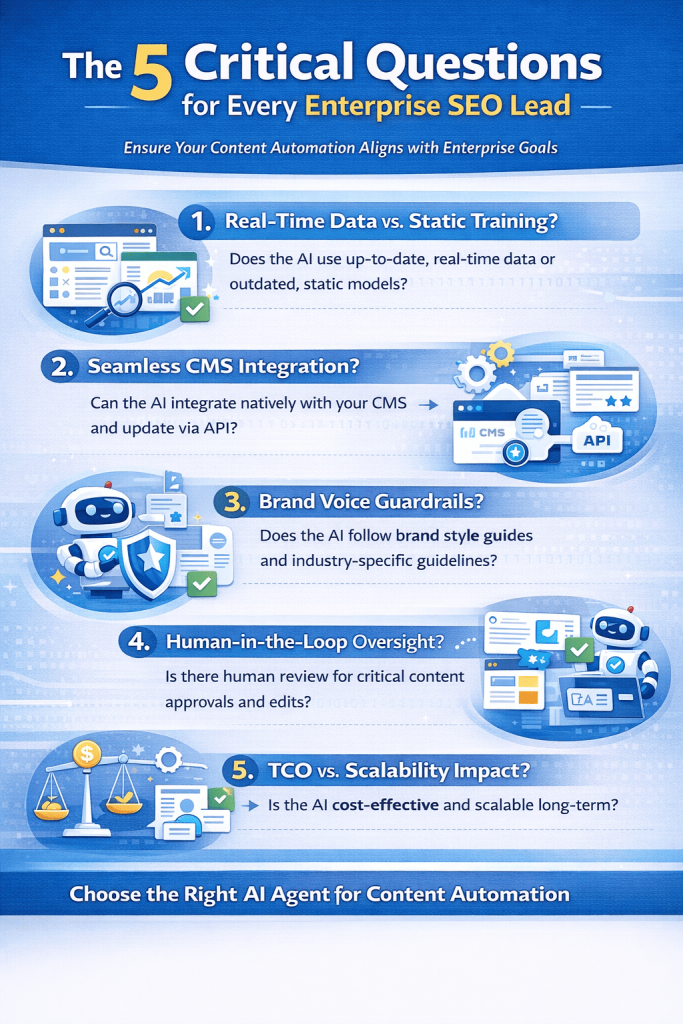
1. Does it use real-time data or static training? Ask the vendor directly whether the tool pulls live GSC and real-time SERP results before generating, or works from a fixed training cutoff. If it’s static only, cut it from your shortlist. Content generated without live search data lags behind what’s actually ranking, which defeats the point.
2. How does it connect to your CMS, and where does human review happen? Ask for a live demo showing content pushed into your CMS staging environment, not a screenshot. If the workflow needs manual copy-paste anywhere, it’s a writing assistant, not an automation platform. Then ask how approval works: which content types auto-publish, which need sign-off. A platform that can’t set approval thresholds by content type or traffic level isn’t ready for enterprise use.
3. What’s the total cost including editor time? Take your current average time per published piece and estimate where it lands with the new tool. Run the math: (hours saved per month × editor hourly rate) − monthly subscription = true ROI. A $300/month tool that saves 40 editor hours is cheap. A $99/month tool that adds 10 hours of QA a week is expensive. Check your actual numbers before signing anything.
Walk away if you see any of these: a wrapper with no real logic for SEO, brand voice, or monitoring; no clear answer on data privacy or SOC2; generic output that reads like every other AI blog (test before buying, your rankings will show it within 90 days); or no monitoring and refresh capability, which means the tool solves half the problem and leaves you the rest.
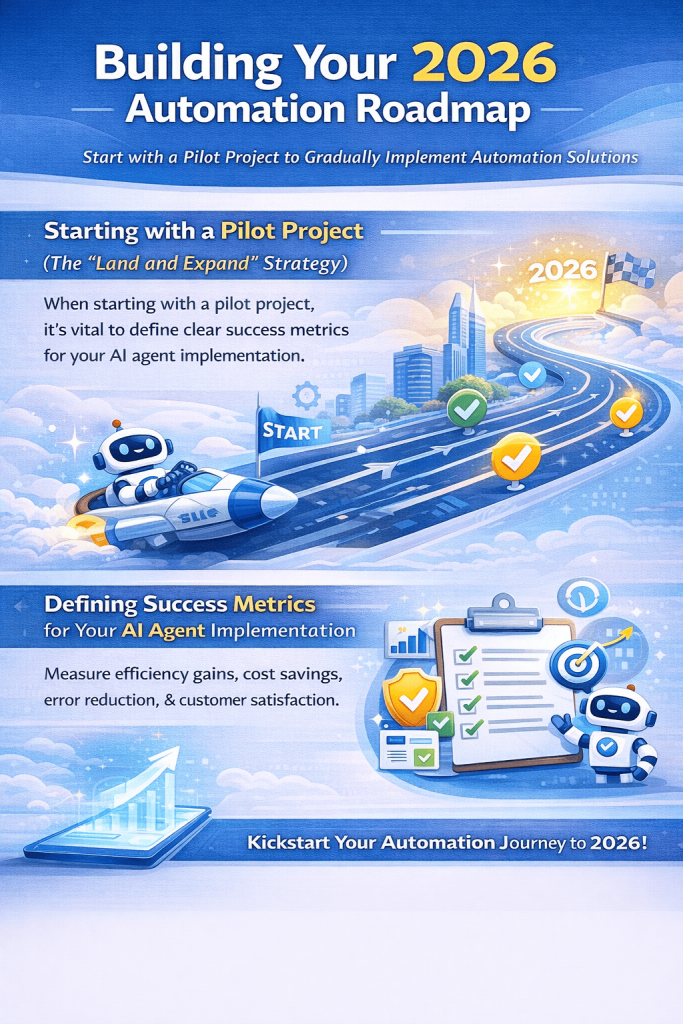
Whether you use WordPattern or a manual GSC review, that maintenance layer isn’t optional — it’s what separates a short-term traffic spike from a durable SEO asset. For a deeper look at the tooling landscape, see our breakdown of the 12 best SEO automation tools in 2026.
Frequently Asked Questions
Start with a tool that pulls live SERP and GSC data, not static training. Set up brand voice rules before you scale output. Keep human review on any high-traffic or commercial page. The fastest way to hurt your SEO is publishing generic, templated content at scale, which is exactly what Google’s scaled content abuse policy targets.
Partial automation is your entry point. Use AI for outlines, first drafts, and meta generation, and keep a human editor in the loop for perspective and brand voice. A two-person team can realistically manage 15–20 optimized posts a month this way. The bigger unlock is adding a monitoring tool like WordPattern so you’re not manually auditing your existing content on top of creating new pieces.
A writing tool generates text. A content agent manages a workflow: pulling live data, generating content, connecting to your CMS, triggering approvals, watching performance after publish, and flagging when something needs attention. If the tool needs you to do all the connecting by hand, it’s a writing assistant. The difference matters when you’re trying to cut editorial workload, not just speed up one step of it.
Related posts:
 Top 5 SEO Automation Hacks to Recover ‘Ghost Traffic’ Without Hiring More Writers
 The SEO Audit Checklist That Catches What’s Breaking and What’s Quietly Decaying
 10 Content Decay Patterns Every Enterprise SEOs Must Automate in 2026
 5 AI SEO Agents That Automatically Update Content (Beyond SEO Audits) – 2026